Bento Grids 2.0: Scalable Modular Layout Architecture for High-Density Dashboards
Bento card layouts have matured from marketing landing page eye-candy into the premier information architecture pattern for complex SaaS dashboards. Here is how to architect fluid, container-query responsive Bento systems.
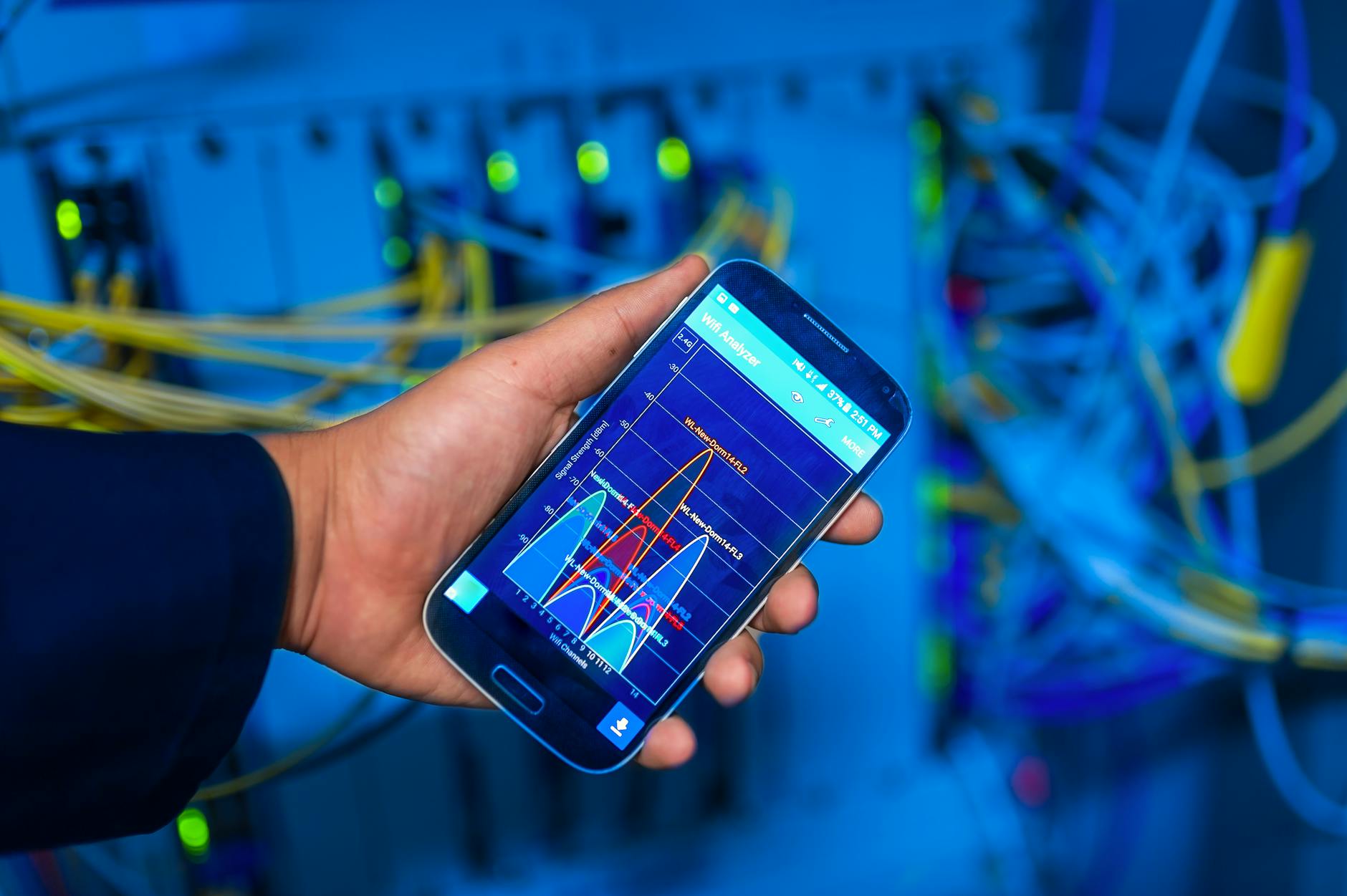
 Photo by Tranmautritam on Pexels
Why Bento Grids Dominate 2026 Information Architecture
The modern Bento layout organizes information into modular, rounded tiles inspired by traditional Japanese bento lunchboxes. Unlike rigid data tables or unstructured vertical cards, Bento Grids allow designers to communicate visual hierarchy by allocating larger grid spans to priority widgets while clustering auxiliary metrics around them.
Container Queries Over Media Queries
The biggest breakthrough in Bento 2.0 is the complete retirement of screen-width media queries in favor of CSS Container Queries (@container). This enables Bento tiles to be dropped into sidebars, main content areas, or full-width canvases without rewriting responsive breakpoints.
/* Self-Responsive Bento Tile with Container Queries */
.bento-container {
  container-type: inline-size;
  container-name: bento-card;
}

@container bento-card (min-width: 480px) {
  .bento-card-content {
    display: grid;
    grid-template-columns: 1fr 1fr;
    gap: 1.5rem;
  }
}

@container bento-card (max-width: 479px) {
  .bento-card-content {
    display: flex;
    flex-direction: column;
    gap: 0.75rem;
  }
}
Combining CSS grid-template-areas with auto-flow: dense allows dynamically sized widgets to fill gaps automatically as users resize tiles or reorder their operational dashboards.
Discussion (0)
Continue Reading
More production-grade engineering deep dives and architectural guides

Biggest Hack in the World: Binance Suffers Unprecedented $6.3 Billion Multi-Chain Cyberattack
A comprehensive technical autopsy of the $6.3B Binance hot-wallet breach attributed to TraderTraitor (Lazarus Group). How automated sweeping, compromised DevOps credentials, and cross-chain execution sparked the largest heist in financial history.
Mobile Push at 100M Devices: Benchmarking FCM, APNs, and Custom WebSockets
At 100M devices, push fails in the tail, not the median. We break down real delivery-latency percentiles for APNs, FCM, and owned WebSockets, plus a reproducible cost model and the reliability patterns behind 99.99%.

Landing Page Experimentation at 50M Sessions: Client-Side A/B Testing vs. Edge Decisioning vs. Server-Side Flags — Flicker, INP, and Cost per Million Decisions Benchmarked
At 50 million monthly sessions, where your A/B test makes its decision stops being a tooling preference and becomes a Core Web Vitals and P&L decision. This is a head-to-head benchmark of client-side DOM mutation, edge middleware bucketing, and server-side feature flags — measured on CLS flicker, INP, and true cost per million decisions.