12. Luke Wroblewski (@lukew): Modern Mobile Ergonomics & Multimodal Touch Dynamics
Luke Wroblewski's modern mobile ergonomics: Designing for the 35% thumb zone on 6.7-inch screens, bottom action docks, and multimodal touch-voice synergy.
12. Luke Wroblewski (@lukew): Modern Mobile Ergonomics & Multimodal Touch Dynamics
"Designing for mobile was never about shrinking desktop screens; it was about honoring the physical biomechanics of the human hand and designing for reachability and ambient context."
— Luke Wroblewski, Author of Mobile First & Product Innovator
💡 The Core Thesis
Luke Wroblewski literally wrote the book on Mobile First. Over the last two decades, his data-driven visual research has reshaped how the software industry designs for physical touch devices.
In 2026, with the arrival of ultra-tall displays, foldable dual-screen phones (like the iPhone Duo), and ambient voice-assisted interfaces, Wroblewski's foundational principles are more vital than ever:
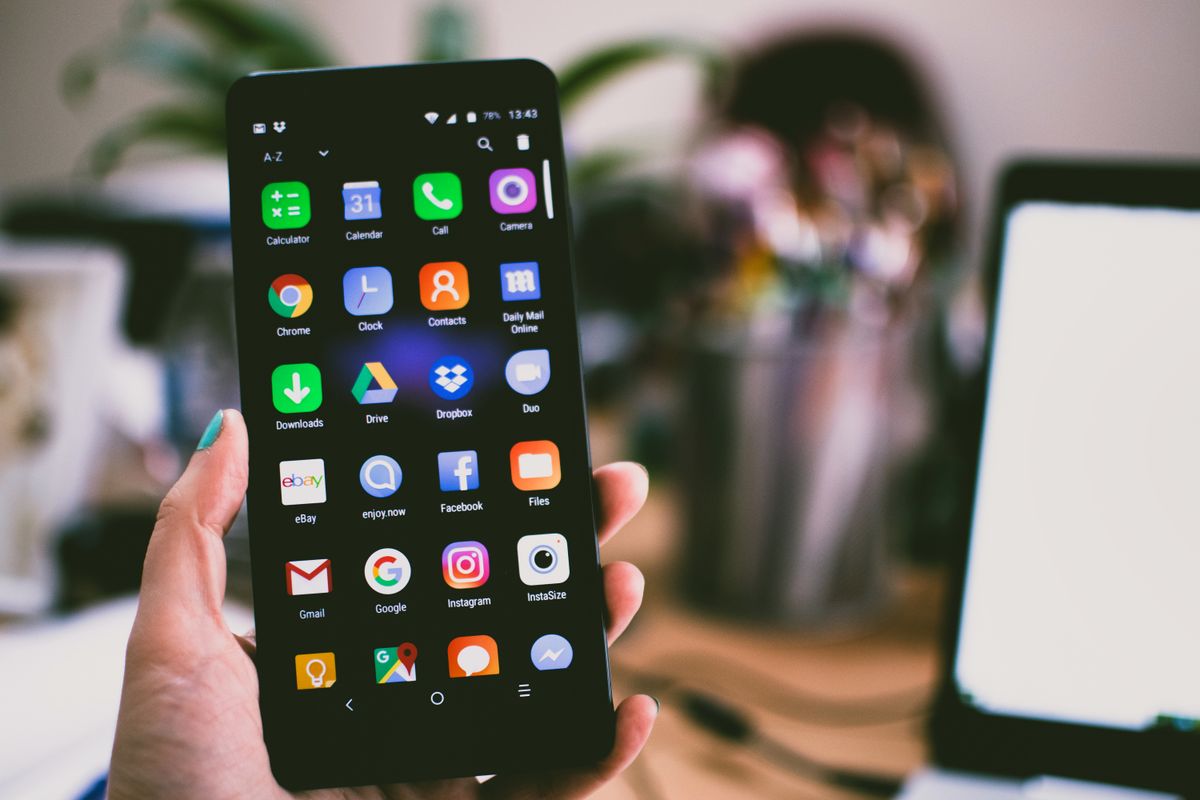
- The Thumb Zone Rule: The majority of one-handed smartphone users interact exclusively with the lower 35% of the display. Placing primary navigation tabs and action buttons at the top of a 6.7-inch screen causes acute ergonomic fatigue.
- Bottom Sheets Over Modals: Modals centered on screen force two-handed usage. Anchoring interactive drawers to the bottom edge respects natural thumb arcs.
- Multimodal Redundancy: Voice, touch, and spatial gestures should reinforce each other rather than compete.
🛠️ Key Architectural Patterns
1. Ergonomic Bottom Navigation & Floating Action Bars
Placing interactive controls inside the "Natural Thumb Arc" rather than the "Stretch Zone":
┌────────────────────────┐
│     TOP SCREEN         │  <-- Ouch Zone (Requires shifting grip or second hand)
│  (Read-Only Data Only) │
├────────────────────────┤
│                        │
│      MIDDLE ZONE       │  <-- Comfortable for scrolling, not frequent tapping
│                        │
├────────────────────────┤
│   NATURAL THUMB ARC    │  <-- Ideal zone for Action Bars, Submit Buttons,
│ (Interactive Controls) │      and Segmented Switches
└────────────────────────┘// Ergonomic Bottom Floating Action Dock
export function MobileActionDock({ primaryAction, onAction }: { primaryAction: string; onAction: () => void }) {
return (
<div className="fixed bottom-6 left-1/2 z-50 -translate-x-1/2 w-[calc(100%-2rem)] max-w-sm">
<div className="flex items-center justify-between gap-3 rounded-2xl bg-zinc-900/90 p-2 backdrop-blur-xl border border-zinc-800 shadow-2xl">
<button className="flex h-11 w-11 items-center justify-center rounded-xl bg-zinc-800 text-zinc-300">
<SearchIcon className="h-5 w-5" />
</button>
<button
onClick={onAction}
className="flex-1 h-11 rounded-xl bg-white text-black font-medium text-sm shadow hover:bg-zinc-100 transition-colors"
>
{primaryAction}
</button>
</div>
</div>
);
}🧵 Ready-to-Post Tweet Thread
1/4 📱 Why @lukew's "Mobile First" principles are more critical than ever in 2026:
With modern screens pushing 6.7+ inches and foldable displays growing, human hands haven't gotten any bigger.

2/4 The Thumb Zone Reality:
One-handed users can only comfortably reach the bottom 35% of their screen. If your primary CTA or search bar is pinned to the top header, you are creating friction on every interaction.

3/4 Bottom Sheets > Center Modals:
Center modals force users to stretch or use a second hand. Bottom sheets anchor actions naturally right where the thumb already rests.

4/4 Follow @lukew for data-backed product design, mobile ergonomics, and behavioral research.
📌 How to Follow & Stay Current
- X Handle: @lukew
- Key Themes: Mobile First, Thumb Zones, Touch UX, Ergonomics, Product Design, Multimodal.
- Top Hashtags:
#MobileFirst#UX#ProductDesign#TouchUI
Discussion (0)
Continue Reading
More production-grade engineering deep dives and architectural guides

Biggest Hack in the World: Binance Suffers Unprecedented $6.3 Billion Multi-Chain Cyberattack
A comprehensive technical autopsy of the $6.3B Binance hot-wallet breach attributed to TraderTraitor (Lazarus Group). How automated sweeping, compromised DevOps credentials, and cross-chain execution sparked the largest heist in financial history.
Mobile Push at 100M Devices: Benchmarking FCM, APNs, and Custom WebSockets
At 100M devices, push fails in the tail, not the median. We break down real delivery-latency percentiles for APNs, FCM, and owned WebSockets, plus a reproducible cost model and the reliability patterns behind 99.99%.

Landing Page Experimentation at 50M Sessions: Client-Side A/B Testing vs. Edge Decisioning vs. Server-Side Flags — Flicker, INP, and Cost per Million Decisions Benchmarked
At 50 million monthly sessions, where your A/B test makes its decision stops being a tooling preference and becomes a Core Web Vitals and P&L decision. This is a head-to-head benchmark of client-side DOM mutation, edge middleware bucketing, and server-side feature flags — measured on CLS flicker, INP, and true cost per million decisions.